Admin or manager · ~3 min
How to review a person
Quick check before payday: name, role, shop, leave balances, and Hik-Connect ID.
Step 1
Open People
Admin: People. Manager: People (your team). Use the branch switcher if you manage more than one shop.
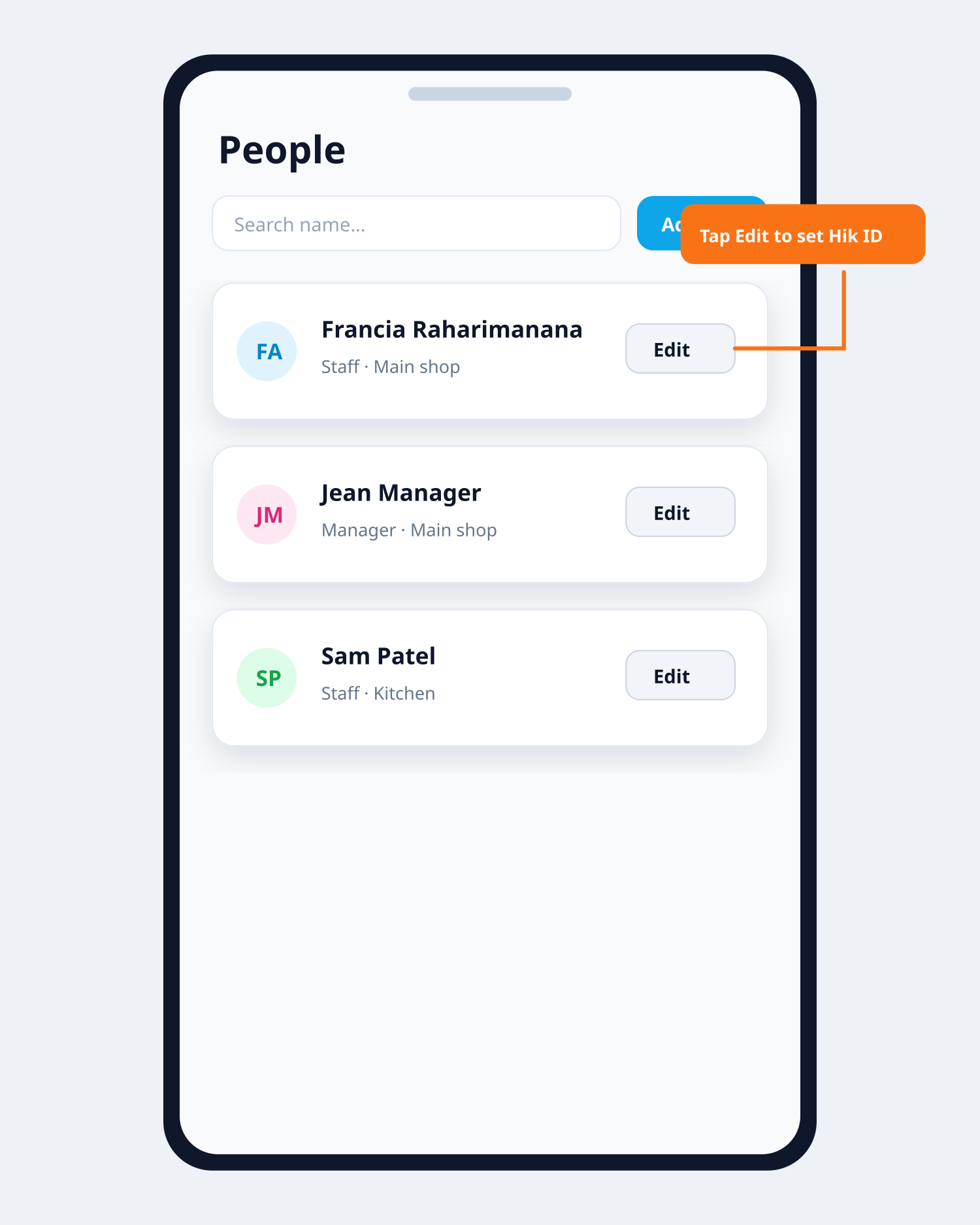
People → search → Edit Step 2
Find the person
Search by name, email, or phone. Filter by role if needed.
Step 3
Tap Edit
Confirm first and last name, email or phone, role, and branch/shop.
Step 4
Leave balances
For staff and managers, confirm annual, sick, and other days for this year.
Step 5
Hik-Connect ID = machine Person ID
Must be identical to Person ID on the clock / Hik-Connect. Wrong or empty ID = missing punches. Fix it here, then Save.
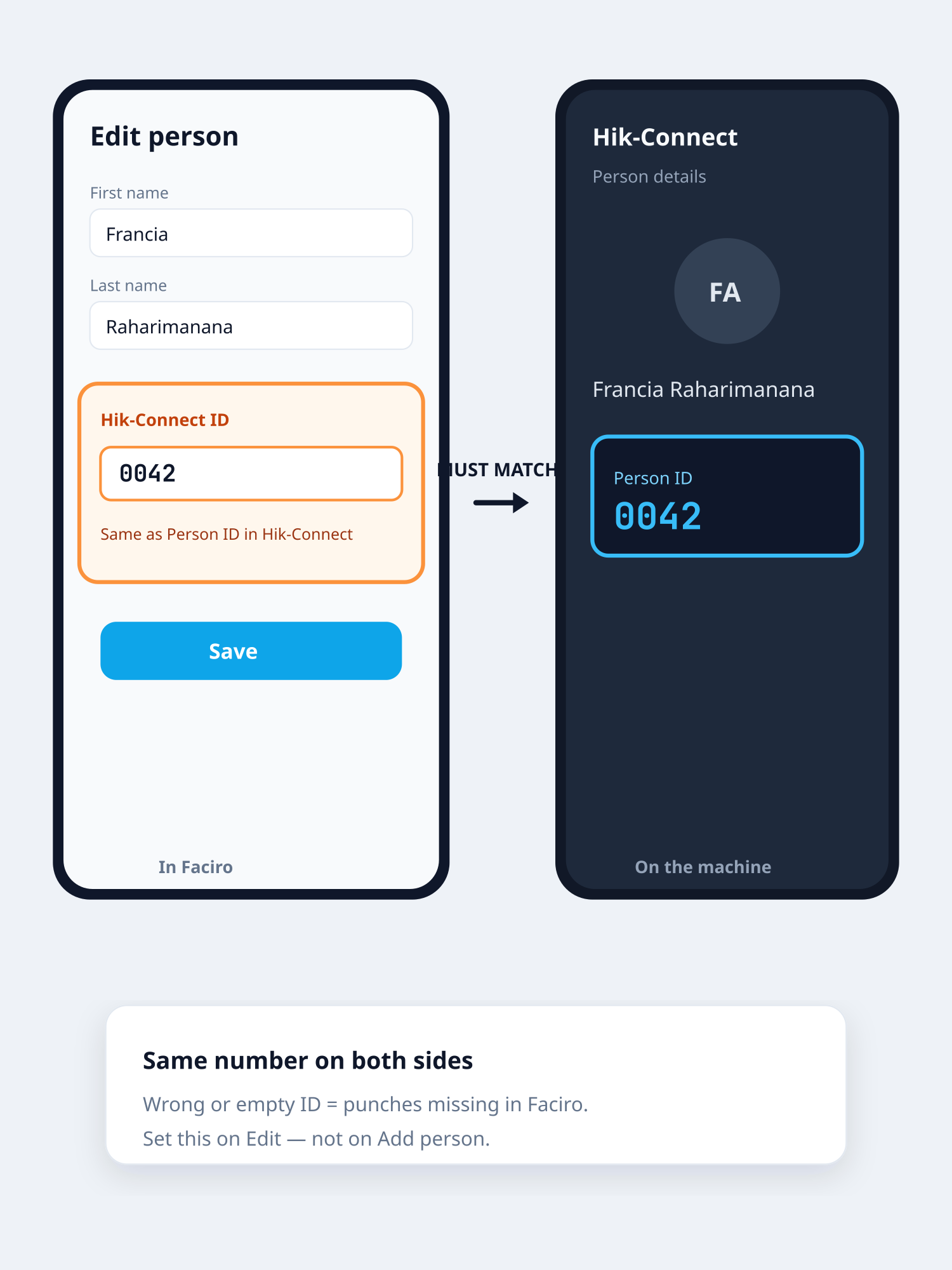
Same ID on both screens
Related guides